




Price: ZAR2,634.62 - ZAR2,502.88
(as of Nov 24, 2026 13:54:11 UTC – Details)

Product description


Gimbal Camera
Add to Cart
Add to Cart
Add to Cart
Add to Cart
Add to Cart
Customer Reviews
3.4 out of 5 stars 30
3.9 out of 5 stars 12
3.4 out of 5 stars 7
5.0 out of 5 stars 1
3.4 out of 5 stars 5
—
4.5 out of 5 stars 2
Price
ZAR 2,502.88ZAR2,502.88
ZAR 2,336.01ZAR2,336.01
ZAR 2,054.96ZAR2,054.96
ZAR 1,405.05ZAR1,405.05
—
—
ZAR 1,001.05ZAR1,001.05
Designed for
for DJI Mini 3Pro/3
for DJI Mini 4 Pro
for DJI Mini 2
for DJI Flip
for DJI Air 2S
for DJI AVATA 2
for DJI Neo
Needs to be calibrated
Yes
Yes
Yes
Yes
Yes
Yes
Yes
Is it original?
Yes
Yes
Yes
Yes
Yes
Yes
Yes
Use for
Repair
Repair
Repair
Repair
Repair
Repair
Repair
Integrated Signal Cable
Yes
Yes
Yes
Yes
Yes
Yes
Yes
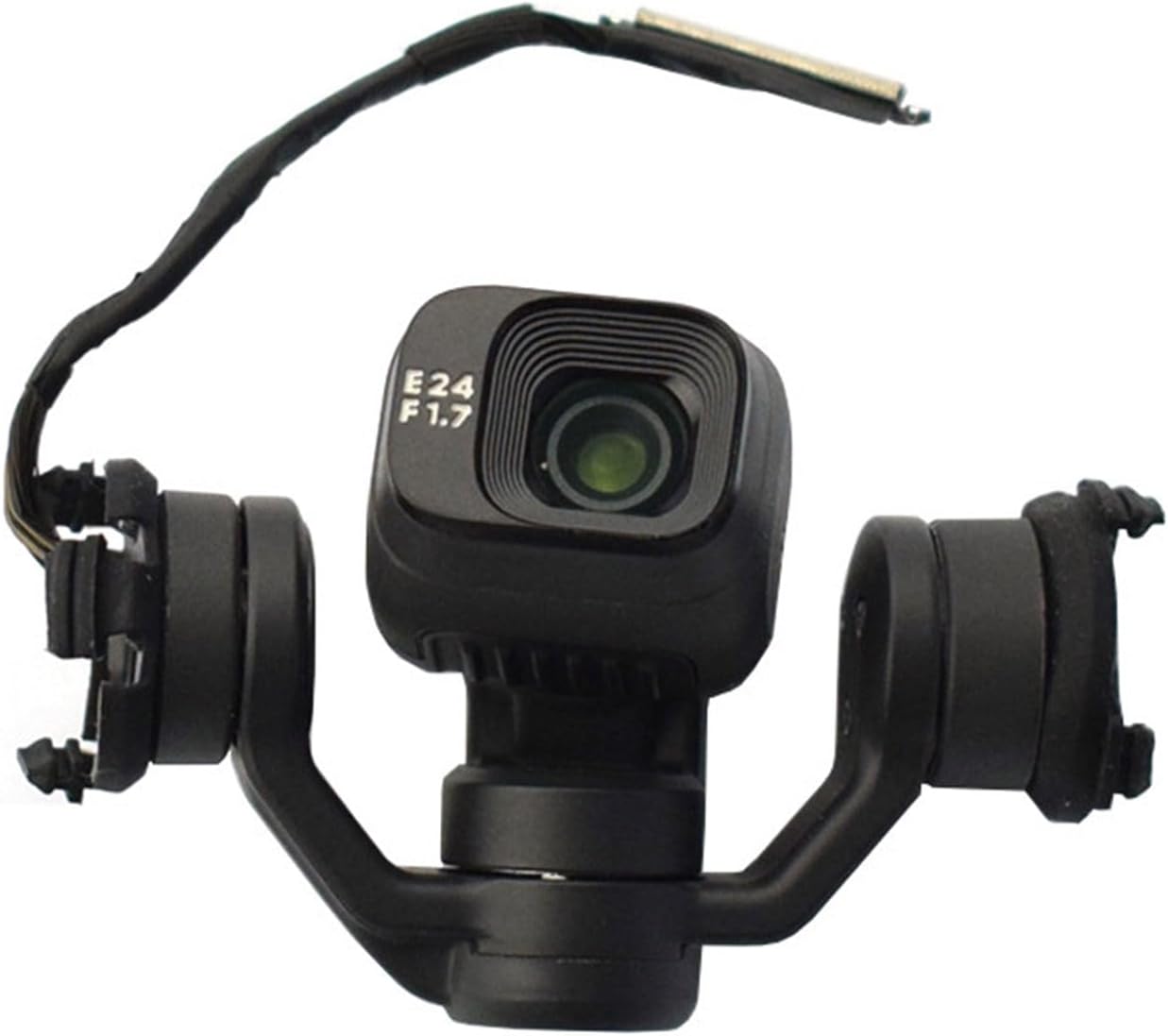
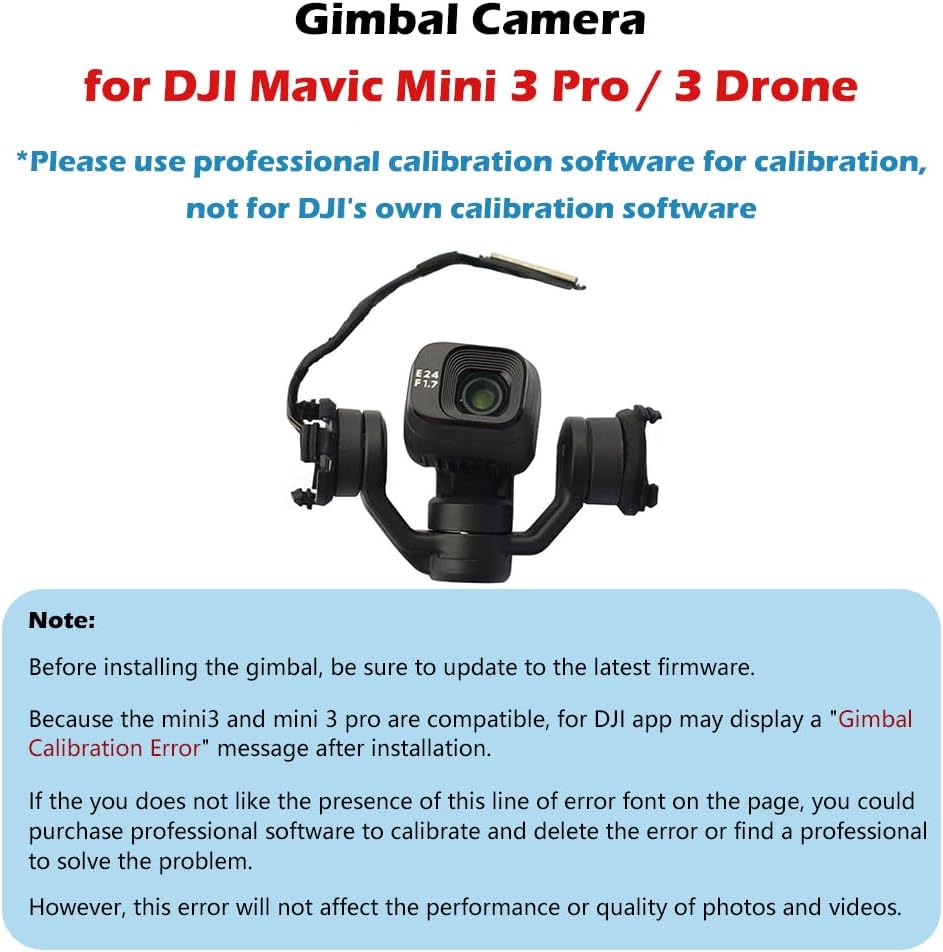
Designed for Mini 3 Pro / Mini 3 : This gimbal camera with signal cable is specifically tailored for DJI Mavic Mini 3 Pro and for DJI Mavic Mini 3, ensuring a perfect fit and restoring full camera and gimbal functionality.
High-Quality Imaging: Features a high-performance camera system for clear, sharp, and stable video capture, providing an enhanced aerial photography experience.
Brand New & Genuine Part: A brand-new, authentic replacement part that meets it’s original manufacturing standards, ensuring top-notch quality and reliable performance.
Integrated Signal Cable: Comes with a built-in signal cable for easy connectivity, ensuring smooth data transmission between the camera and gimbal for uninterrupted performance.
Tip: The camera needs to be calibrated using professional software after installation. We recommend that you search for calibration instructions on YouTube or visit a professional repair service for calibration. (Make sure you can calibrate before placing an order)